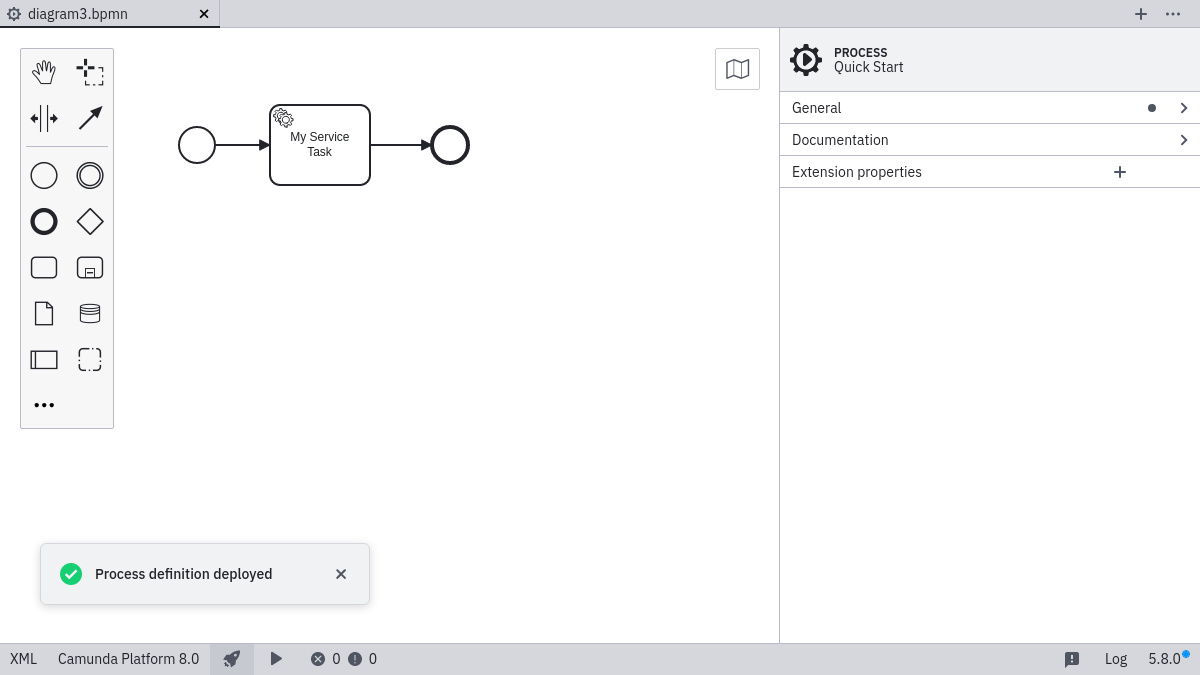
Deploy diagram
Desktop Modeler can directly deploy diagrams and start process instances in Camunda Platform 8 Self-Managed. Follow the steps below to deploy a diagram:
- Click the rocket-shaped deployment icon:

- Click Camunda Platform 8 Self-Managed:
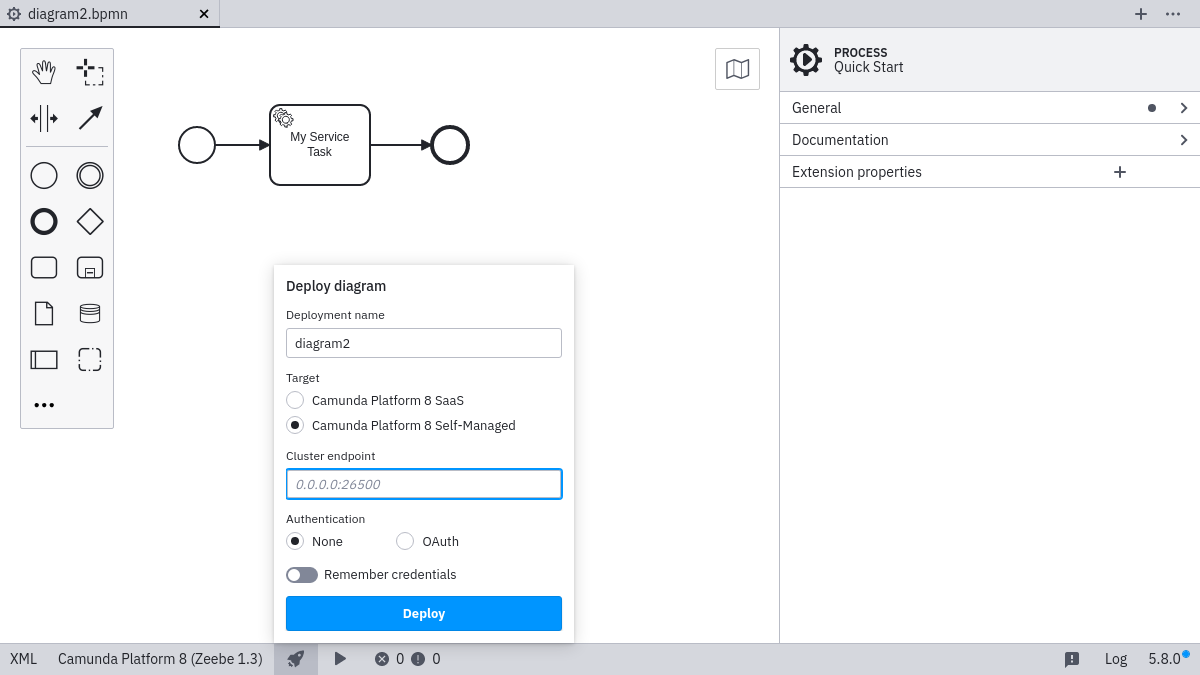
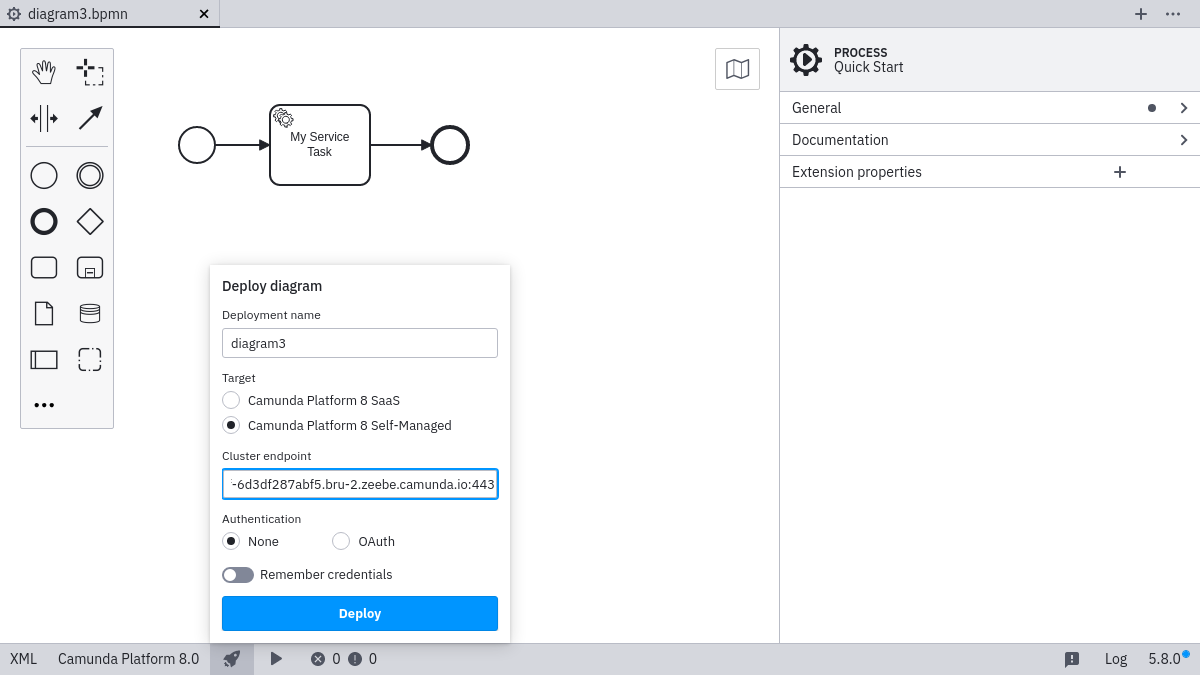
- Input the
Cluster endpoint:
- Select OAuth, and input the credentials in case your gateway requires authentication:
note
OAuth for gateway can be implemented with zeebe-keycloak-interceptor.
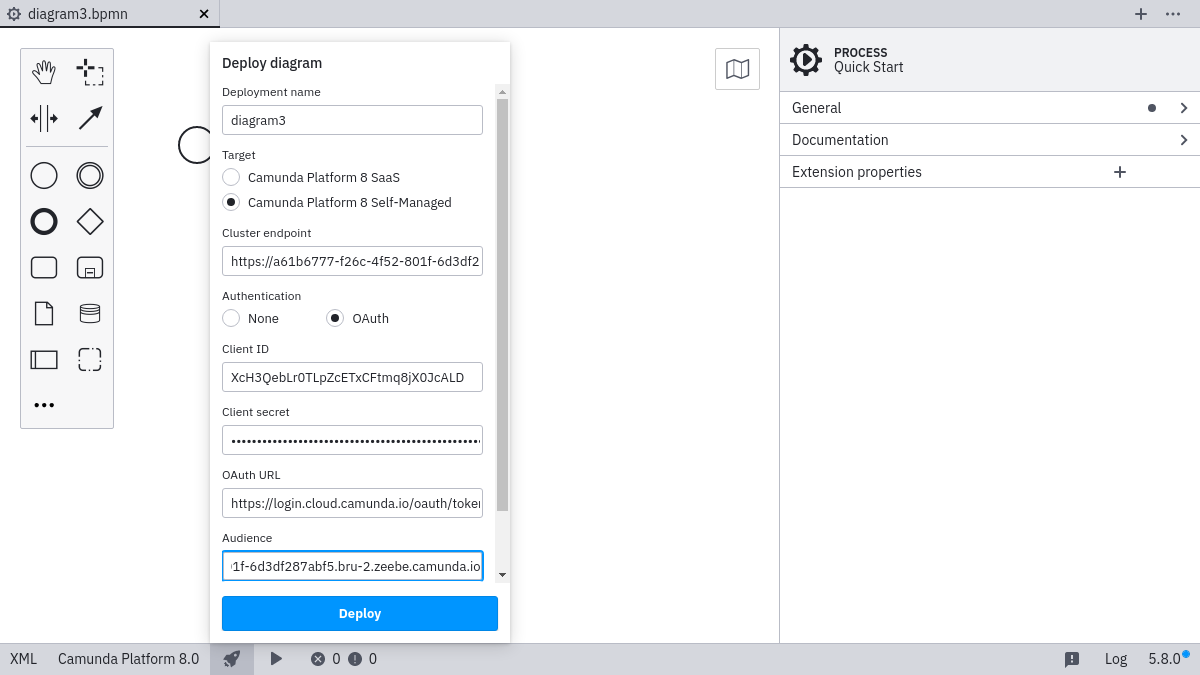
Select the Remember checkbox if you want to locally store the connection information.
Click Deploy to perform the actual deployment.